Loading…
Getting started
New to mmmyep? We match serious buyers with sellers using a deposit and hidden prices — so every lead has skin in the game. Here’s how to create an account and choose your path.
Choose buyer or seller
On the home page, use I'm a Buyer or I'm a Seller in the header or mobile menu. Both start a signup flow. You can only have one role per account: if you want to both buy and sell, you’ll use the same account and can switch context from your dashboard.
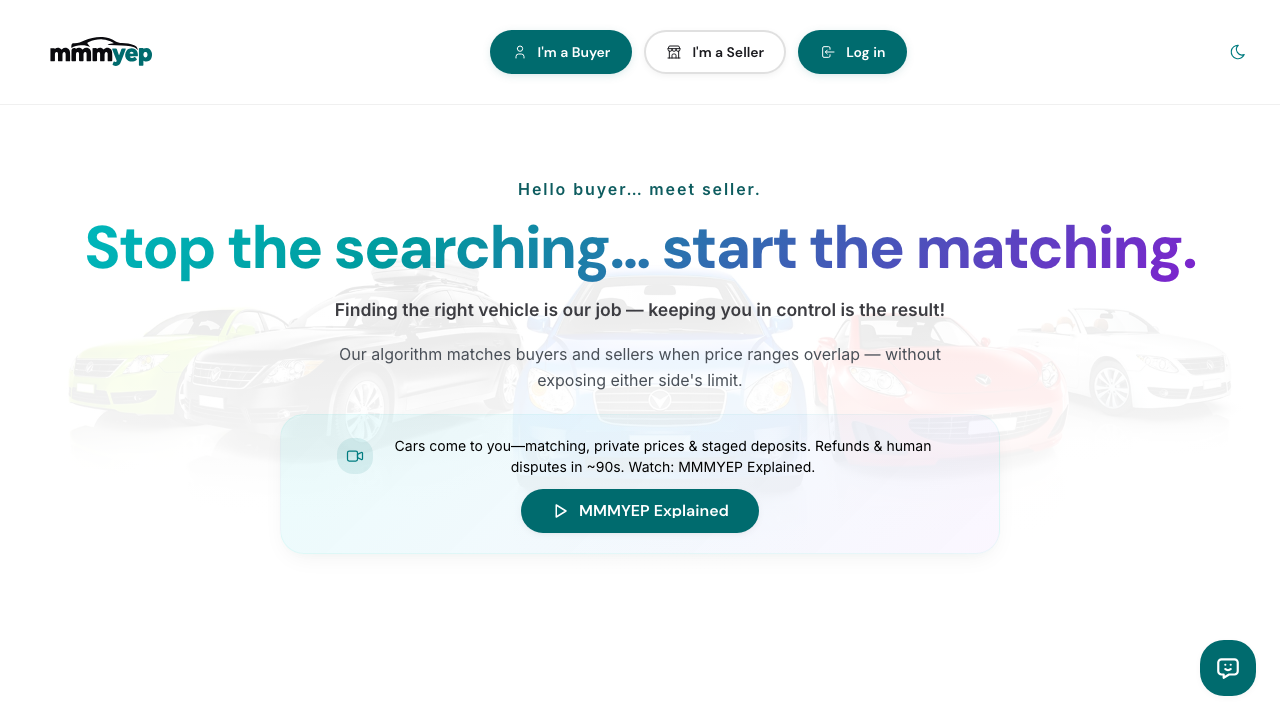
Click I'm a Buyer or I'm a Seller to start.
Sign up as a buyer
Buyer signup is a stepper: Vehicle & deal (body style first — including optional cab/door details for trucks and similar — then specific vs open search, make/model, budget, timeline, travel), Specs (exterior/interior colours, fuel, features, condition), Deposit, then Account (email; magic link or Google). Same flow on web and the mobile app. You’ll get an email magic link to sign in — no password required. Your max budget is never shown to sellers; we only show them that there’s a match.
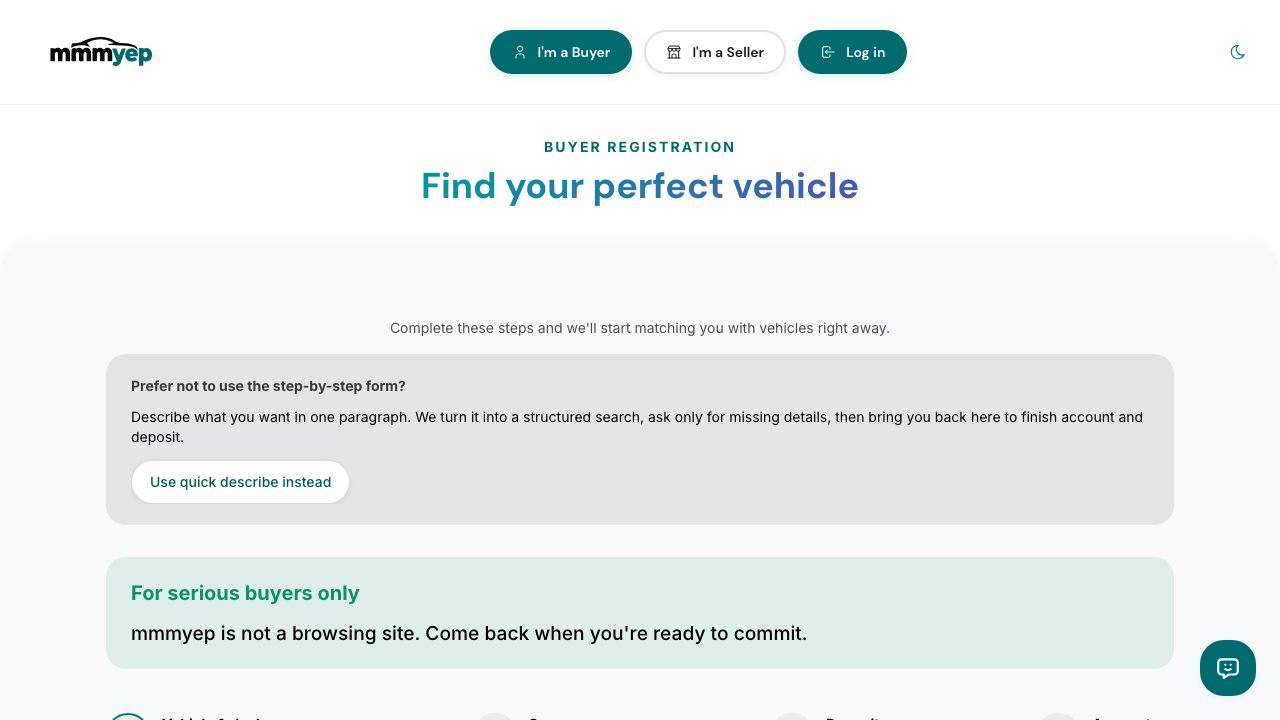
Step 1: choose body style, then search type, makes, model, and budget (order matches the live form).
Sign up as a seller
Seller signup includes: Account (email, phone, magic link or Google), Seller type (private or dealership), Vehicle listing (year, make, model, trim, photos, min price, location, delivery options), Deal details (e.g. lien representation), and Confirm. You can import from a marketplace URL (Kijiji, AutoTrader, etc.) or enter details manually; if import fails, you can still complete the listing without starting over. Private sellers can add a CarProof or Carfax report URL (optional for now; recommended for trust and demos). Your minimum price is never shown to buyers — they only see that they match. Same magic link or Google sign-in; no password.
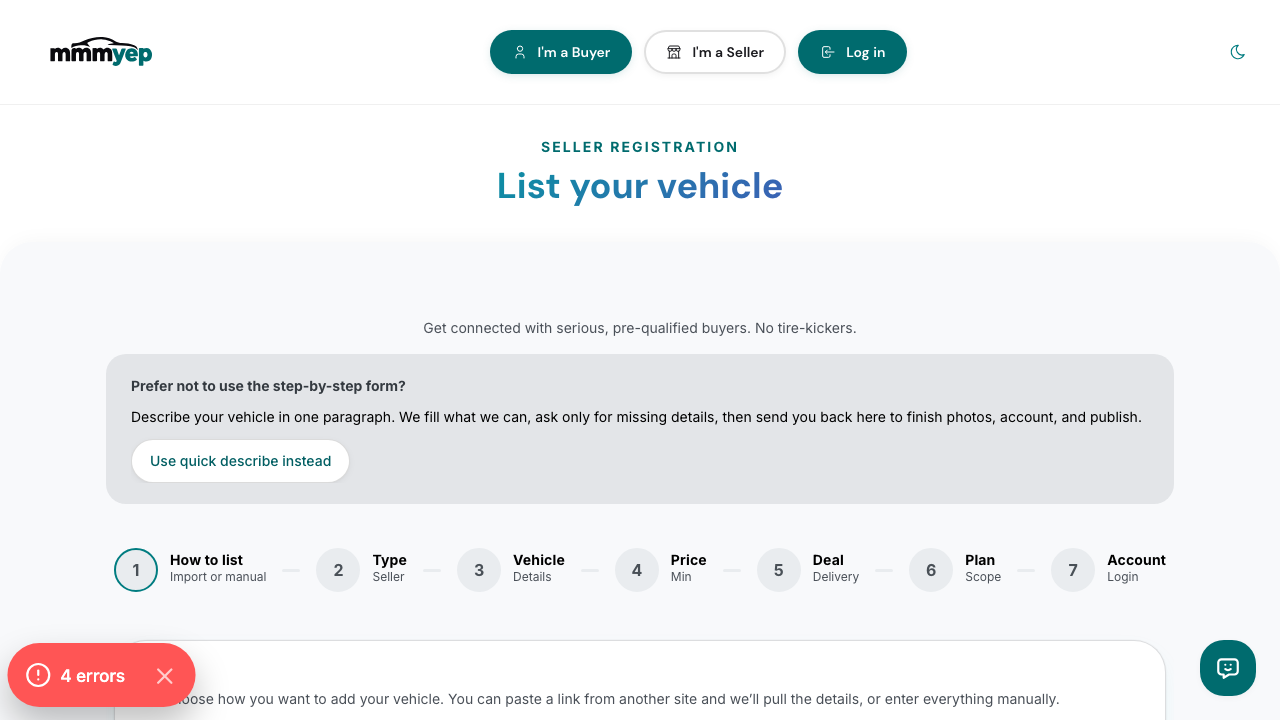
Enter your vehicle details and upload photos.
How matching works (overview)
Private prices, staged deposits, and match scores are easier to see than to describe. Skim the How it works section on the marketing site, or jump straight from here — the screenshot below is from that flow.
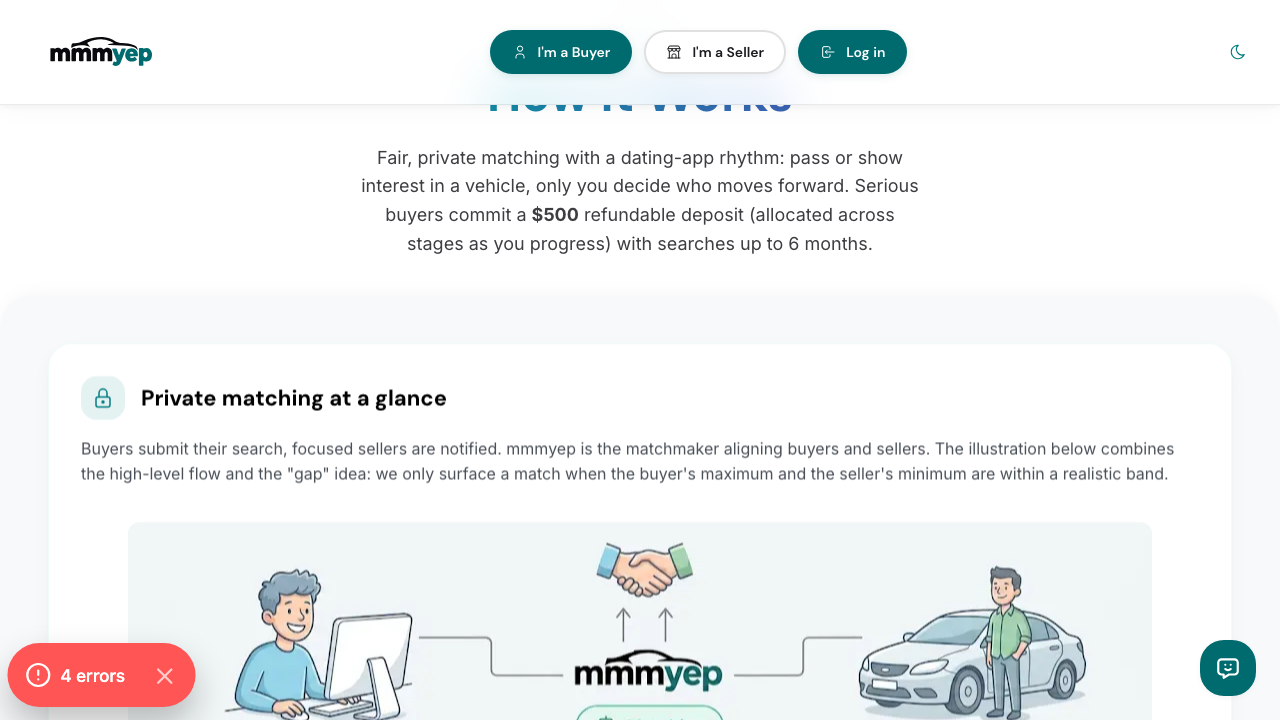
Visual overview of matching, deposits, and what buyers and sellers see at each step.
What’s next?
•For buyers: set your search, view matches, and use “I’m interested” to start a conversation
•For sellers: list your vehicle, see interested buyers, and open chat to close deals
•Import from a marketplace or dealer URL — paste a link to pre-fill a listing (SPEC §4.7) or use manual entry if the fetch fails
•Early markets & outreach — how we may introduce verified dealers when inventory is still growing (SPEC §13); you still choose every engagement
•Chat & messaging: how to talk to the other side and move a deal forward
•Account & login: magic link and Google sign-in, and how to log out