Loading…
For buyers
From setting your search to chatting with sellers — a full buyer guide with screenshots. Your maximum budget stays private; optional ideal price (if you enter one) improves ranking when sellers list a target — sellers never see your numbers. We only show you vehicles where the seller’s floor fits your budget.
Your dashboard
After signup you land on the buyer dashboard. At the top you’ll see your active search summary (vehicle type, budget range, time left), deposit status, and three tabs: Matches (vehicles that fit your criteria and price), Engaged (listings you’ve tapped “I’m interested” on), and Share (invite others). You can have only one active search at a time; when it expires or you complete a deal, your deposit is released or refunded per our terms.
Dashboard with match count, timer, and Matches tab.
Viewing matches
The Matches tab shows vehicles that fit your criteria and price range. We never show you the seller’s minimum price — only that there’s overlap. Each card shows the mmmyep meter (match score), key specs (year, make, model, color, km), optional variance notes (e.g. “Gas instead of Diesel”), and actions: Pass (skip this listing), I'm interested (starts an engagement and moves the listing to Engaged), and Details (opens the full listing with photos, documents, and any video walk-through or history links the seller added). Use “You might also consider” to explore similar vehicles that stay within your flow.
You can also save watched listing links — marketplace URLs you are tracking outside mmmyep (up to four per search). We do not import or crawl them; they are bookmarks you can open in a new tab (or in the app’s browser), copy to share, or fill from your clipboard. On-platform matches from sellers who list here still appear in the same tab.
Tip: bookmark /buyer/dashboard?tab=matches&highlight=watched (or add #buyer-watched-links on web) to jump straight to your saved links. You can sort, filter, and clear the filter (on web, Escape clears the filter when the field is focused); on web use Copy list or Download list (if a filter is on, only matching rows are included); in the app use Copy list or Share list (Share falls back to the clipboard if the share sheet isn’t available).
If you signed up with a trade-in, matches against dealers who want that kind of inventory may show a higher score and a short explanation (e.g. trade-in fit) — your trade-in details stay private; dealers only see what you choose to share later in the deal.
Dealer-offered vehicles may appear when a dealership proposes a vehicle for your active search (no public listing yet). You’ll see match score and specs — not dealer floor or target prices. Tap Express interest to notify the dealer; you can Open engagement to continue in chat. The mobile app shows the same block when you’re signed in.

Dealer proposals: express interest, then open the engagement thread. Replace help-dealer-offers.png after capturing your dashboard (see HELP_SCREENSHOTS.md).
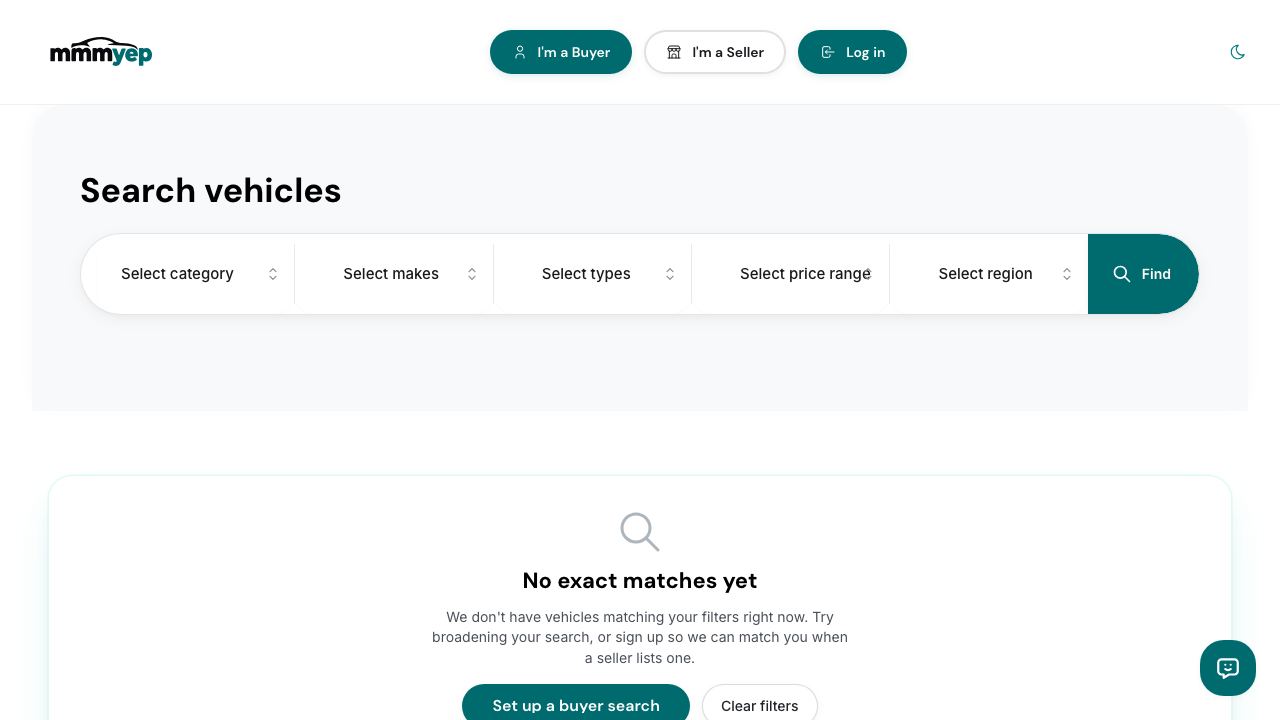
Tap I'm interested to start a conversation, or Details to see the full listing.
Expressing interest and opening chat
When you tap I'm interested, we create an engagement and that listing moves to your Engaged tab. The seller is notified. From Engaged, use Open chat to message the seller and negotiate; use View listing to see the full listing again. You can express interest on multiple matches; each becomes its own engagement. If you change your mind, you can withdraw an engagement before price is agreed.
Use the Engaged tab for vehicles you tapped “I’m interested” on — Open chat to message the seller.
Engagement page and chat
The engagement page shows a short summary of the vehicle, the current deal status (interested → chat open → price agreed → finalizing → completed), and a Chat section. Messages appear in real time — no refresh needed. Use this page to negotiate, agree on price, and move to finalizing (inspection, Bill of Sale, payment). You can also open links to financing, shipping, and inspection from the deal flow when you’re at that stage.
Chat with the seller on the engagement page.
Quick tips
•Your maximum budget and optional ideal price are never shown to sellers — only that there's a match.
•One active search at a time; you choose an expiry (e.g. 90 days or up to 6 months). Maximum search window is 6 months. Full refund if no deal before the search expires (see Trust & Safety).
•Deposit is held until the deal completes or the search expires. Part of our fee may go to a charity you choose at signup; donations are made by mmmyep.
•Chat & messaging — how to open chat, send messages, and move status to price agreed.
•Ratings — after a completed deal you can rate the seller; sellers rate you on seriousness, responsiveness, and good faith. Repeatedly backing out after price agreed can affect your standing.
•Trade-in on your search can improve matching with dealers who want those vehicles; see How it works for the full picture.
•New regions: Early markets & outreach explains optional qualified introductions to dealers when inventory is still growing — you still choose every engagement.