Loading…
Account & login
How to sign in with a magic link or Google, update your profile, and log out. We don’t use passwords — magic link and OAuth only.
Log in page
Go to Log in from the header (or the menu on mobile) or visit /login. Enter your email and click Send magic link. We’ll email you a one-time link — click it to sign in. The link expires after a short time for security. No password to remember or reset. If you don’t see the email, check spam and that you entered the correct address.
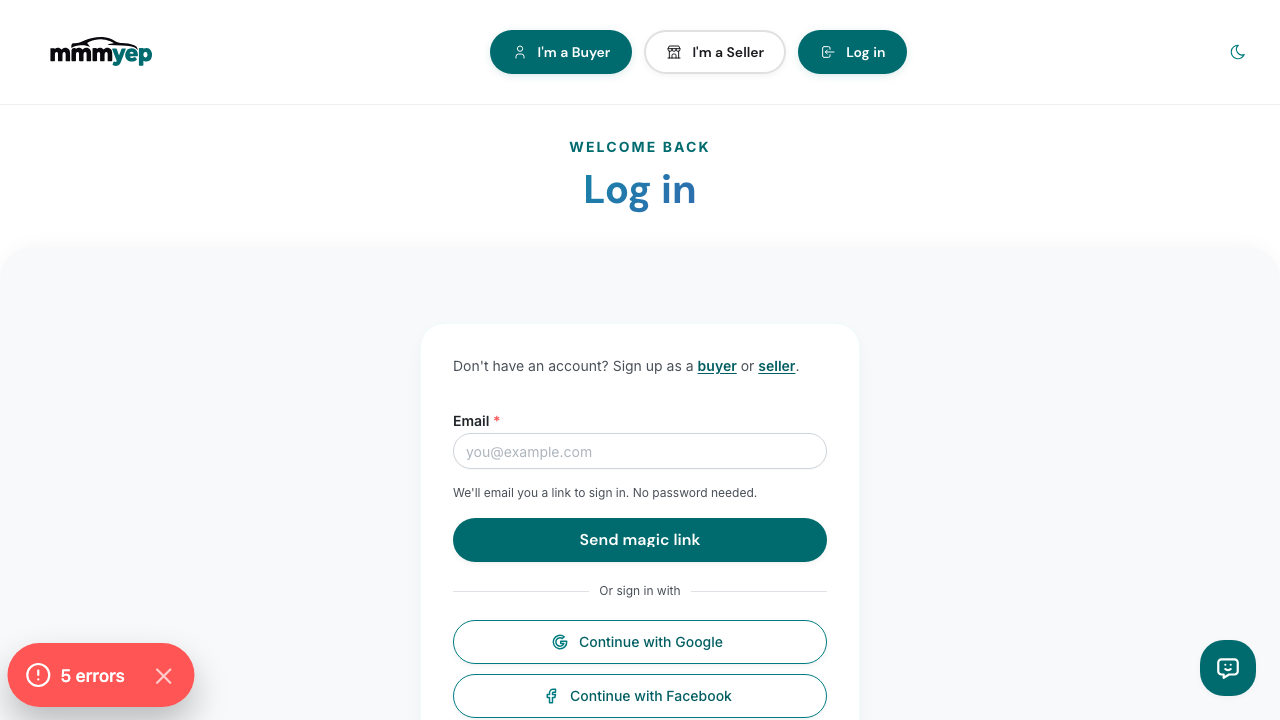
Enter your email and we’ll send a sign-in link. No password required.
Sign in with Google
On the login page and during buyer or seller signup you can choose Google. Click the Google button to sign in with your Google account. You’ll be redirected to Google to approve, then back to mmmyep and taken to your dashboard or the next signup step. Same secure flow on web and in the iOS/Android app. We only receive your email and name from Google; we don’t access your Google data.
Use Google (or other providers) to sign in quickly.
Logging out
Open the mobile menu (or the header menu on desktop) and click Log out. You’ll be signed out and can sign in again with a magic link or Google when you’re ready.
Log out from the menu when you’re done.
Summary
•Magic link: enter email → we send a one-time link → click to sign in. Check spam if you don’t see it.
•Google: click Google on login or signup → approve in Google → you’re signed in on mmmyep.
•No passwords — magic link and OAuth only. Update your display name and phone in Settings.
•Log out via the header (desktop) or menu (mobile/app) when you're done. You can sign back in anytime with the same email.